After the Audit, What Do You Fix First? The Product Already Sorted It for You
TL;DR
An audit can surface more work than one owner can do at once. BrandGEO's Actions view groups tasks into quick, build, and long-term phases and labels the evidence behind each recommendation. This guide shows how to inspect those labels, pick a feasible first fix, deploy it, and re-audit before claiming progress.
TL;DR: A BrandGEO audit generates dozens of optimization recommendations — you don't need to do them all at once. The Track dashboard's Actions tab has already sorted them into quick / build / long phases, each with a "why" explanation and evidence source badge. This guide shows you how to read the action plan, judge what to tackle first, and invest your limited time where it moves the needle most.
Why "What First" Matters More Than "What"
You've run the audit, reviewed the report, maybe even studied the competitor comparison. The conclusion is clear: there's a lot to fix. But as a one-person operation, you can't do everything at once.
This is the most common stalling point in GEO — not ignorance of what to do, but paralysis over what to do first.
SearchScore's analysis of over 1,000,000 website audits found that three issues account for the majority of AI search invisibility — and two of them take under an hour to fix. [1] That means the biggest problems for most sites aren't complex, but if you spend your time on secondary issues, those one-hour fixes keep dragging.
"The key to effective prioritization lies in balancing potential impact against available resources while considering the urgency of competitive threats. Start with high-impact, low-effort wins." — Genrank GEO Audit Priority Framework [2]
GEO optimization isn't a flat to-do list — it's a sequenced system. Technical fixes are prerequisites for everything that follows: if AI crawlers can't read your site, no amount of content will get cited. Content optimization builds on the technical foundation. Third-party source building and brand authority compound over the long term.
These three layers map directly to the three phase groups on BrandGEO's Track dashboard Actions page: quick, build, and long.
What Your Action Plan Looks Like
Open BrandGEO, navigate to /site/your-domain/track, and click the Actions tab on the far right.
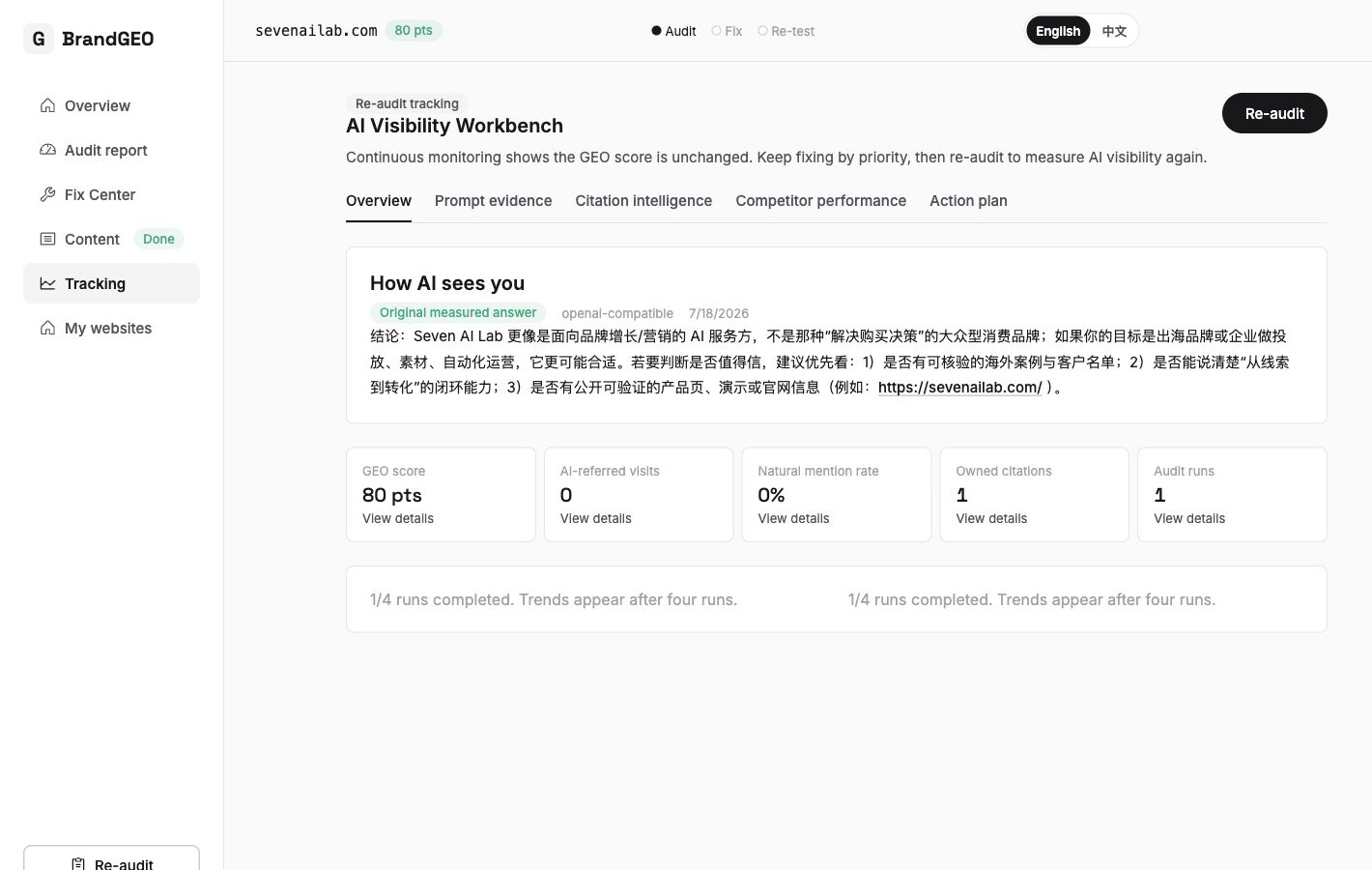 The top of the page shows four summary metrics: critical issues, high-impact count, quick-win count, and recoverable score. The quick-win count tells you "how many things can I knock out right now," and the recoverable score tells you "how much could my score theoretically improve if I fixed everything."
These four metrics answer your most pressing questions at a glance: how much work is left, what can I handle immediately, and what's the ceiling if I complete everything?
Step by Step: How to Use the Action Plan to Set Priorities
Step 1: Read the Three Phase Groups — Start with Quick
Below the four summary metrics, all recommendations are displayed in three phase groups:
- Quick (wins): Technical fixes typically completable in hours to a day or two. Examples: unblocking AI crawlers in robots.txt, adding llms.txt, completing missing JSON-LD structured data. These fixes are binary — they either pass or fail, and completing them produces deterministic results.
- Build: Content-level optimizations requiring one to four weeks. Examples: updating stale content, writing FAQs for questions AI frequently asks but you haven't answered, creating dedicated pages for high-intent queries. These involve content writing and title and structure refinement.
- Long (term): Maintain accurate brand information, participate in relevant industry discussions, and inspect which external pages are actually cited.[3] No platform guarantees an AI citation.
The three phases are displayed top to bottom, each containing several task cards. The quick phase usually has the fewest cards but highest priority.
Start with evidence, not the label. If robots.txt actually blocks a relevant crawler, changing that rule and testing access is a specific technical fix. An llms.txt file is an optional site guide, not a proven AI-citation ranking factor; structured data must describe facts visible on the page.[1][4]
Step 2: Expand a Task Card to See the Why and Evidence
Each task card is clickable and expands to reveal three key pieces of information:
- Why (reason for this recommendation): One or two sentences explaining the logic behind the suggestion. For example: "Your robots.txt blocks GPTBot, preventing ChatGPT from crawling your content."
- Detail (what to do): Step-by-step instructions, similar to the tasks in the Fix center.
- Competitor case: If this recommendation relates to competitive comparison — such as a competitor passing a check you fail — specific competitor data appears here.
Each recommendation also carries a source badge indicating its basis:
- Deterministic: From hard technical checks in the audit report with clear pass/fail criteria.
- Measured: From real AI response data in the probe library — AI genuinely didn't mention you on certain questions.
- AI-suggested: Optimization recommendations inferred by AI from your data.
 The expanded card structure is clear: why explains the rationale, detail guides execution, and the source badge identifies the basis. Deterministic-source recommendations have the highest priority because they have the most reliable causal relationship.
Prioritize deterministic-source recommendations. These are based on verifiable technical facts — whether llms.txt exists, whether robots.txt allows crawlers, whether structured data is complete. Their cause-and-effect relationship is clearest: fix it and it passes; don't fix it and it doesn't. Measured-source recommendations come next — they're based on real data but affected by AI response randomness. AI-suggested recommendations rank last — they're reasonable inferences but lack direct causal verification.
Step 3: Check Estimated Days to Gauge Effort vs. Return
Each task card also displays an estimated number of days, helping you gauge how long completing that recommendation will take.
This number is an order-of-magnitude reference, not a precise timer. Quick-phase tasks typically show "1 day" or "< 1 day," build-phase items might show "7–14 days," and long-phase items might show "30 days+."
Combining this time estimate with the source badge from the previous step, you can make a simple judgment:
- Deterministic source + estimated under 1 day = do immediately, minimal effort, most certain result
- Measured source + estimated 1–2 weeks = schedule for the next two weeks
- AI-suggested + estimated 30 days+ = place in long-term plan, no rush
Step 4: Click the Jump Link to Go Execute
Each task card typically includes a jump link that takes you directly to the BrandGEO page where you can execute that recommendation. For example:
- robots.txt fix → jumps to the corresponding task in the Fix center
- Content update recommendation → jumps to the content workbench
- Competitor-related recommendation → jumps to the competitor comparison page
You don't need to remember where each recommendation lives in the product — follow the jump link.
Each task card's bottom displays estimated completion days and a jump link. One click to the fix page — no hunting required.
What You'll See After Taking Action
When you complete the quick-phase wins — typically unblocking crawlers, adding llms.txt, completing structured data — return to the report page and click "Re-audit."
The re-audit measures deterministic checks again, so you can see whether the repaired item passes and whether the score changed. It does not prove that an AI platform cited your page, and no fixed uplift or waiting period should be assumed.[5] Keep the before-and-after reports and test comparable AI questions separately.
"Expect changes within 4 to 8 weeks — AI engine re-crawling and index updates aren't instantaneous, but the effect of structured data begins to show within a 30-to-60-day window following implementation." — SearchScore Technical GEO Guide [1]
For build and long-phase optimizations, the effect curve is longer. Content updates typically begin reflecting in AI citations within 30 days — content updated within 30 days receives 3.2× more AI citations than older content. [7] Brand authority building requires 3–6 months to produce meaningful visibility score changes. [8]
After each round of optimization and re-audit, return to the Actions page and check: completed tasks will decrease, and new recommendations may appear — this is normal, because your baseline has changed and the system re-ranks priorities based on new data. This is how the audit → fix → re-audit closed loop operates at the action level.
FAQ
Are the action plan recommendations fixed, or do they change after each audit?
They change after each audit. The action plan is generated from your latest audit data, probe library results, and competitor comparison data. As you fix issues or the competitive landscape shifts, new recommendations appear and resolved ones disappear. Think of it as a dynamic priority ranker, not a one-time checklist.
What if I complete the quick phase but my score doesn't improve?
Two possible reasons. First, AI engines may not have re-crawled your site yet — structured data changes typically take 4–8 weeks to reflect in AI responses. [1] Second, quick-phase fixes address technical prerequisites — they enable subsequent content optimizations to work, but technical fixes alone may not directly push visibility scores higher. Wait a few weeks before re-auditing, and start progressing through build-phase recommendations in the meantime.
Can I skip quick and go straight to build or long?
Technically yes, but it's not recommended. The quick phase typically fixes the technical foundation — whether AI crawlers can read your site at all. If robots.txt blocks AI crawlers or you lack llms.txt, everything you write in the build phase remains invisible to AI. Ensure the foundation is solid before building on it.
Which source badge (deterministic / measured / AI-suggested) is most reliable?
Deterministic sources are most reliable — they're based on verifiable technical facts (whether llms.txt exists, whether robots.txt allows crawlers). Measured sources are based on real AI response data, reliable but affected by AI response randomness. AI-suggested are inferences generated from your data — reasonable but without direct causal verification. Prioritize deterministic and measured-source recommendations.
What ROI can I expect from GEO optimization?
Research shows GEO programs deliver 3:1 to 8:1 returns when they improve citation rate, conversion quality, content freshness, and schema coverage. [9] AI search visitors convert at 4.4× the rate of traditional organic visitors. [10] But GEO is a compounding long game — not an immediate-return ad spend.
What's the difference between the action plan and the Fix center?
The Fix center is "how to do each fix" — it gives you code, steps, and one-click copy-to-AI-assistant prompts. The action plan (Actions) is "which fix to do first" — it ranks priorities based on your audit data, probe results, and competitor comparison. They complement each other: confirm priority in Actions → click the jump link to execute in Fix.
As a solo operator, how much time per week should I spend on GEO?
If you're running a one-person business, start with 2–3 hours per week. Spend the first week completing quick-phase wins (usually 1–2 hours). Then dedicate 1–2 hours weekly to progressing through one or two build-phase recommendations. Research shows that maintaining a weekly audit → test → publish → track cycle is more effective than occasional concentrated sprints. [11]
How long before GEO optimization shows results?
It depends on what you did. Technical fixes (quick phase) begin reflecting in AI responses 4–8 weeks after re-crawling; content optimization (build phase) typically shows initial improvement in 30–60 days; brand authority building (long phase) requires 3–6 months. [8] One month of data is a data point, three months is a trend, and six months is a defensible program result. [12]
Sources
- SearchScore. "Technical GEO: How to Optimise Your Website for AI Search." 2026. 1M+ website audit data; three core issues cause most AI search invisibility. Guide
- Genrank. "GEO Audit Checklist: From Low to High Priority (June 2026)." Prioritization framework: high-impact, low-effort first. Article
- Muck Rack. "The State of AI Citations 2026." Across 25 million cited links, an average 84% pointed beyond brands' owned channels. Report
- Alhena. "Schema Markup for AI Search: 65% of AI-Cited Pages Use It." 2026. Structured data and AI citation correlation. Article
- Google Search Central. Introduction to structured data. Valid markup does not guarantee rich results or AI citations.
- HelpfulHero. "How Schema Markup Boosts AI Visibility by 55% (Case Study)." 2026. Structured data optimization case study. Case Study
- BotSee. "GEO Is Getting Crowded: A Durable AI Visibility Strategy for 2026." Content updated within 30 days receives 3.2× AI citations. Article
- Writer. "GEO, AEO, and SEO in 2026: The Enterprise Guide to AI Visibility." 3–6 month visibility score change timeline. Guide
- Superlines. "How to Measure the ROI of AI Search Optimization." 2026. GEO programs deliver 3:1 to 8:1 returns. Article
- HubSpot. "Answer Engine Optimization Case Studies That Prove the ROI of AEO in 2026." AI search visitors convert at 4.4× rate. Article
- Superlines. "90 Day GEO Plan: How to Launch Generative Engine Optimization." Weekly audit-test-publish-track cycle. Article
- AirOps. "The Top 7 AI Search Metrics for 2026." One month = data point, three months = trend, six months = defensible result. Article
Last updated: 2026-07-22
Not sure where to start after your audit? Open BrandGEO's Track dashboard Actions page — the system has already sorted your priorities. Start your free audit